FAQImage to Prompt FAQ
Common questions about using image to prompt, including how it works, when to use it, and what to expect from the results.
1
What is an image to prompt generator?
An image to prompt generator converts visual content into a structured prompt that can be used in AI image generation models. Instead of manually writing prompts, the image to prompt tool analyzes an image and extracts key elements such as subject, style, lighting, and composition, turning them into reusable instructions for consistent image generation.
2
How does image to prompt work?
Image to prompt generator analyzes an input image using vision models to identify its visual structure, including subject, environment, style, and lighting. It then organizes these elements into a structured prompt optimized for image to prompt use in image generation models, allowing you to recreate or extend the original visual style.
3
Which models are supported by image to prompt?
The generated image to prompt outputs are designed to work with mainstream image generation models such as Flux, Stable Diffusion, MidJourney, and GPT-4o. Because different models interpret prompts differently, the image to prompt output is structured to be adaptable across multiple systems. This makes image to prompt results easier to reuse.
4
Are prompts reusable?
Yes. One of the main advantages of image to prompt is that prompts are reusable. You can apply the same image to prompt result to different subjects or scenes while preserving the original style, making it useful for generating consistent visual series or variations. This is why image to prompt is widely used for style consistency.
5
Do I need image to prompt knowledge?
No prior prompt engineering knowledge is required. The image to prompt tool automatically generates structured prompts that are ready to use. However, you can further refine or edit individual fields if you want more control over the final result. This keeps image to prompt beginner-friendly.
6
What formats are supported?
You can upload images in JPG, JPEG, PNG, or WEBP format, or provide a valid image URL in the image to prompt generator. For best image to prompt results, use images with clear subjects and defined visual styles. Clear inputs improve image to prompt accuracy.
7
Can I upload any image for image to prompt?
Most images can be used, including photos, illustrations, and AI-generated images. However, images with strong visual structure, clear subjects, and distinct styles will produce more accurate and useful image to prompt outputs. That helps image to prompt stay reliable.
8
How accurate is image to prompt?
The generated image to prompt captures the key visual characteristics of the input image, but results may vary depending on image complexity and model behavior. It is designed to provide a strong image to prompt starting point that can be reused or adjusted rather than a perfect one-to-one reconstruction. In practice, image to prompt prioritizes usable structure over exact duplication.
9
Does image to prompt support batch generation?
Batch image to prompt generation is not supported in the current version. The tool focuses on generating high-quality image to prompt outputs for individual images, but batch processing may be introduced in future updates. Single-image focus keeps image to prompt quality high.
10
When should I use image to prompt instead of writing prompts manually?
Use image to prompt when you want to replicate a specific visual style, understand how an image is constructed, or generate consistent variations. It is especially useful when you cannot easily describe a style in words or want to save time compared to manual prompt writing.
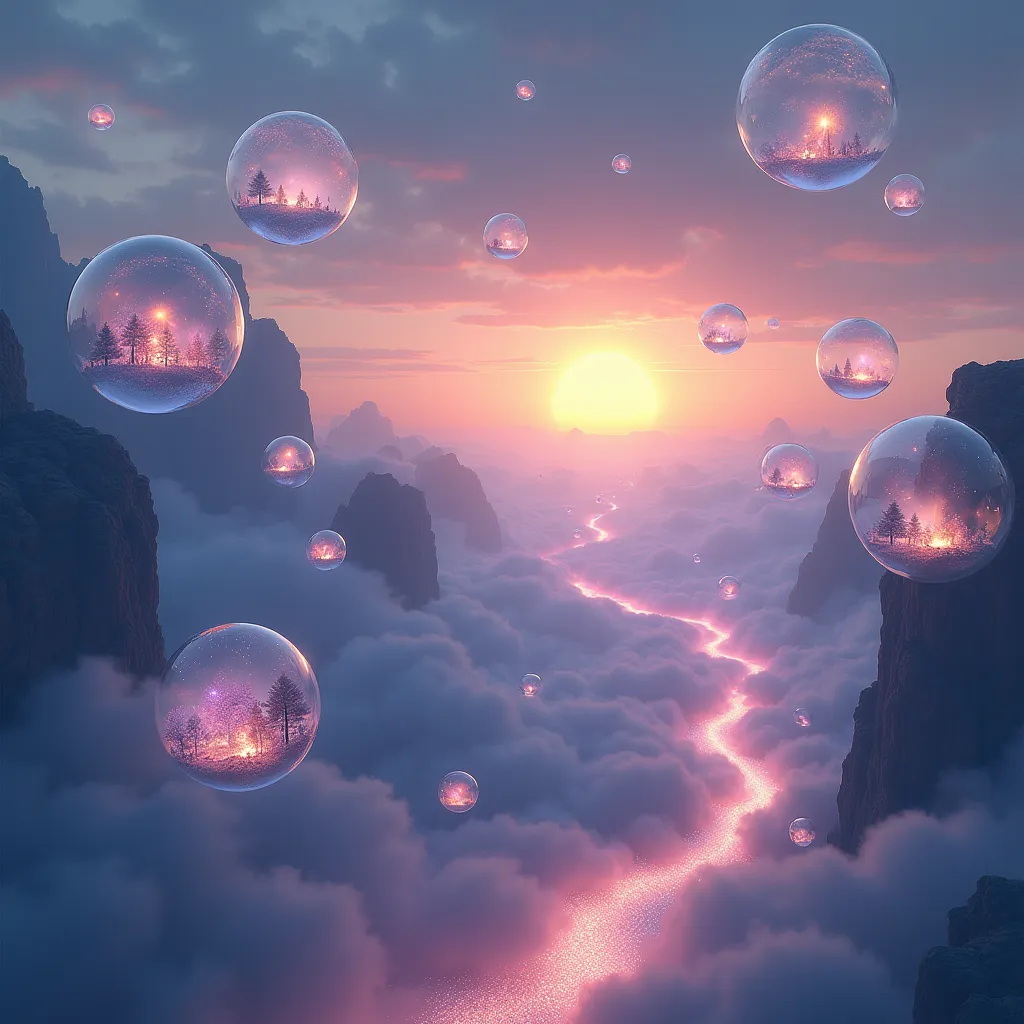
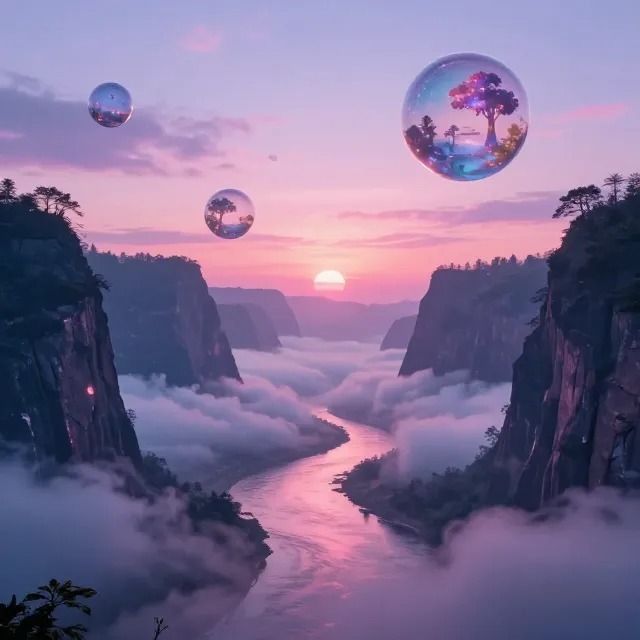

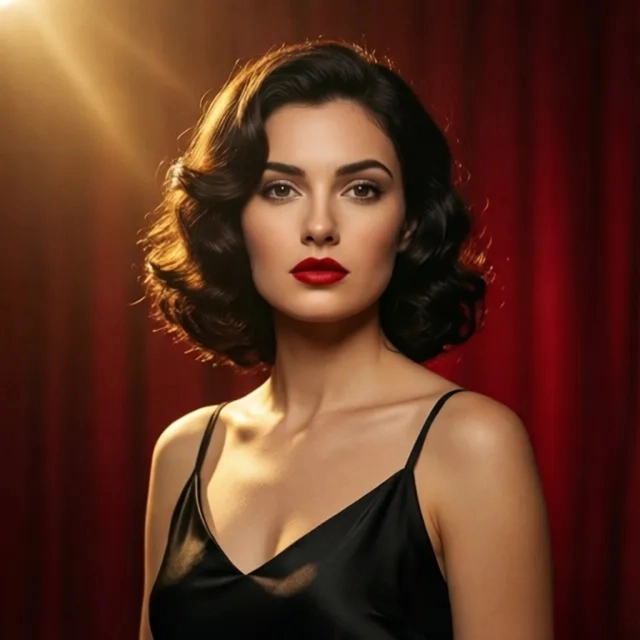


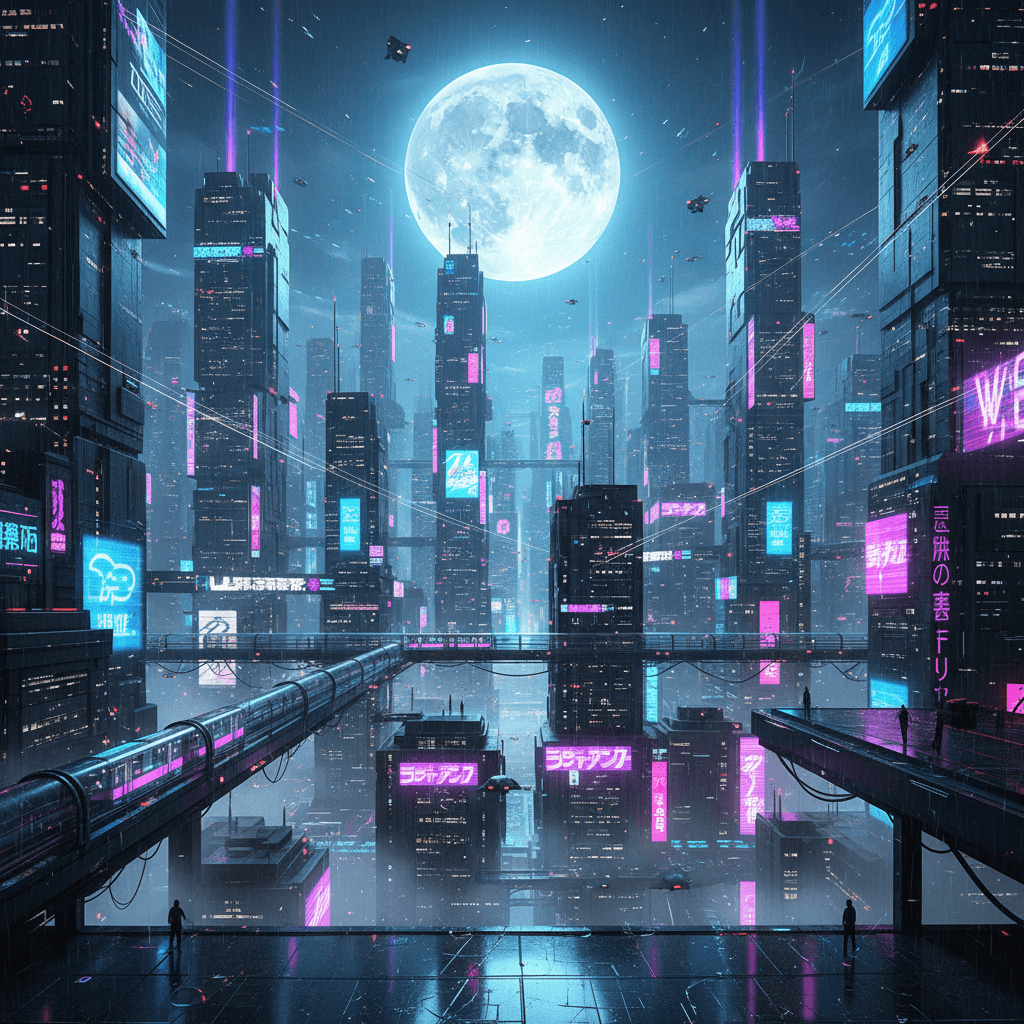 Original
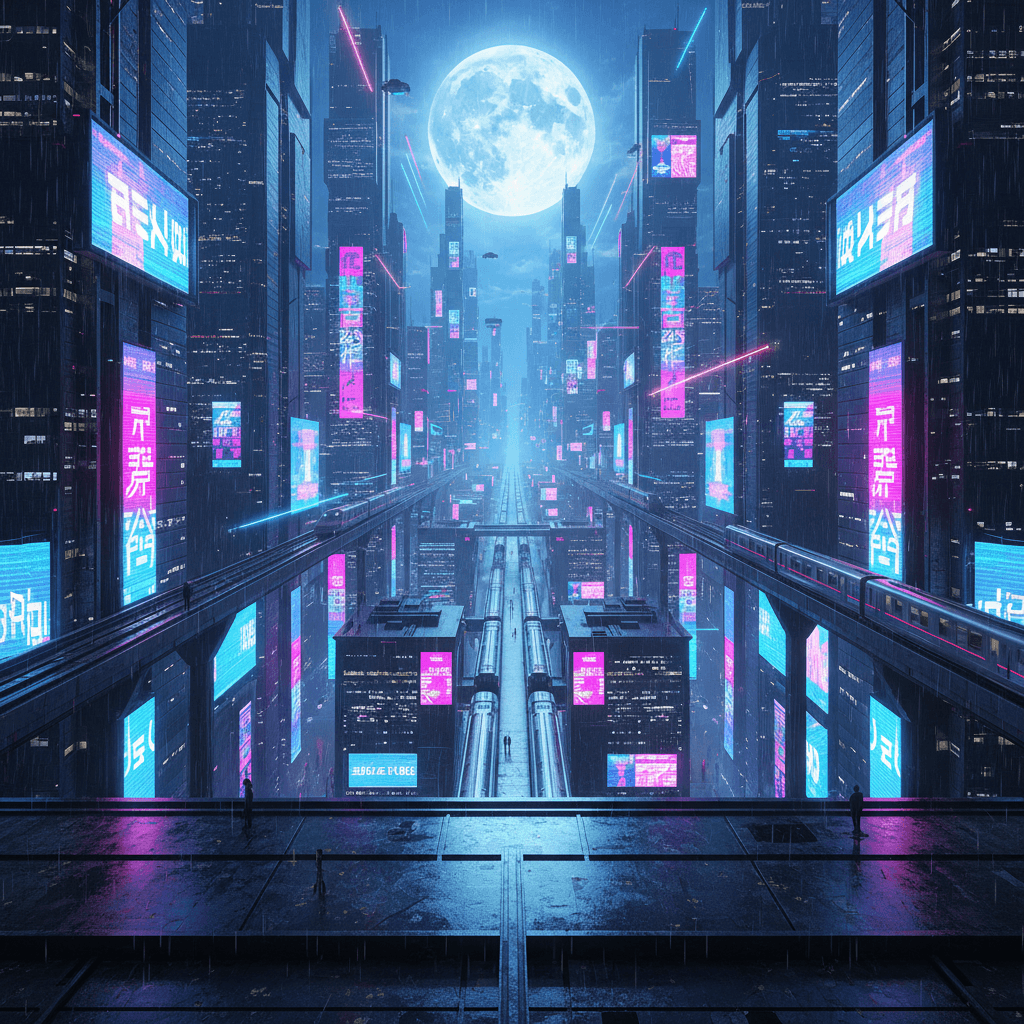 Generated by Flux